
What does it look like when you remove company data from an Android for Work device, from the perspective of an Intune admin?
- Find the device. Confirm that the device you are looking at is the right one. You can filter by IMEI.

- Click the device.
- Click Remove Company Data.

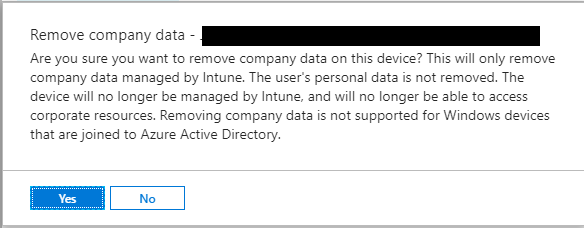
- Confirm. Click Yes.
- You will see a confirmation.
- Within one minute or so you should the Android for Work container will get deleted from the target device.
- The device will get automatically deleted from Intune.
